

Copier Upgrade Schedule in Denver, CO: How Often to Upgrade
Every organization eventually reaches a point when a copier that is already old begins costing more than it is making. Many companies ask about the ideal copier upgrade schedule in Denver because downtime, slow printing, and rising repair bills can quietly reduce productivity over time. The copier retains its operational capacity after multiple years of service yet its current maintenance costs and operational expenses make it unsuitable for our expanding office needs.
Most experts agree that businesses should evaluate how often replace copier decisions every three to five years based on print volume, workflow needs, and maintenance history. A business needs to know when it should replace its office copier equipment because this knowledge helps them prevent both unexpected downtime and concealed operational expenses. Companies that follow a proactive replacement plan often spend less on repairs while gaining access to better security and automation tools.
The guide shows businesses how to determine the appropriate time for copier replacement while providing them with better methods to plan their future development.
Why Copier Upgrades Matter for Growing Businesses
Office copiers handle additional tasks beyond printing in their current capabilities.
The modern systems enable users to access cloud services while printing from mobile devices and automating workflows and securing documents and working together from different locations, and other new copier features that improve daily office efficiency. Older machines often struggle to keep up with these demands.
Delaying upgrades can lead to:
- The system has many flaws.
- The printing speed of the system is lower than expected.
- The maintenance cost of the system is relatively higher.
- The system only works with certain software versions.
- The system causes increased downtime for the users.
A planned copier productivity upgrade keeps operations efficient while minimizing disruptions.
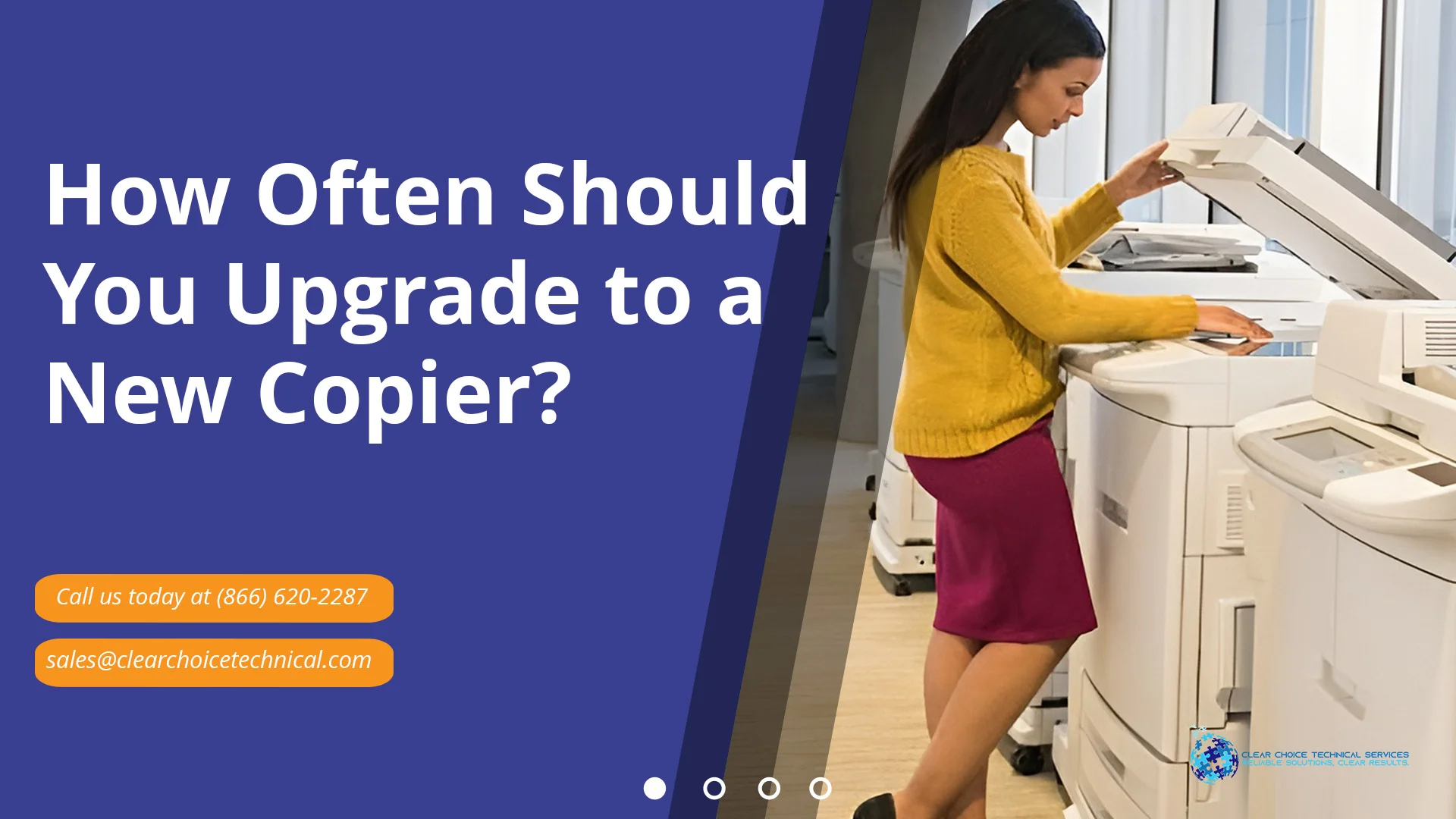
Average Copier Lifespan for Businesses
The average copier lifespan depends on usage levels, maintenance habits, and the machine’s build quality.
| Copier Type | Typical Lifespan | Recommended Upgrade Window |
| Small Office Copier | 3–5 years | Around year 3–4 |
| Mid-Volume Copier | 5–7 years | Around year 5 |
| High-Volume Production Copier | 7–10 years | Around year 6–7 |
Businesses that print large volumes every day require replacement equipment because their current machines will break down before expected.
The implementation of a planned copier replacement program enables organizations to maintain their technological systems while preventing emergency situations from arising. Businesses that ask themselves “how often should a business upgrade their copier” can make more strategic decisions that support smoother operations and better long-term budgeting.
Signs You Need a New Office Copier
One of the clearest signs you need a new office copier is increasing downtime throughout the workweek. Jamming issues, long warm-up periods, and poor print quality usually suggest that some of the inner parts are old. Workers can waste their time standing around the photocopier rather than doing their job.
Businesses asking when to upgrade office copier systems should pay close attention to recurring repair visits and rising maintenance invoices.
Copier Lease-End Evaluation Checklist
| Evaluation Area | Questions to Ask |
| Repair Frequency | Are service calls increasing each quarter? |
| Workflow Speed | Is the copier slowing daily operations? |
| Security Features | Does the device support current security standards? |
| Print Volume | Has the business outgrown the copier’s capacity? |
| Software Integration | Does it support cloud and mobile workflows? |
| Toner Efficiency | Are supply costs increasing each year? |
A regular copier technology refresh helps businesses stay competitive while controlling costs.
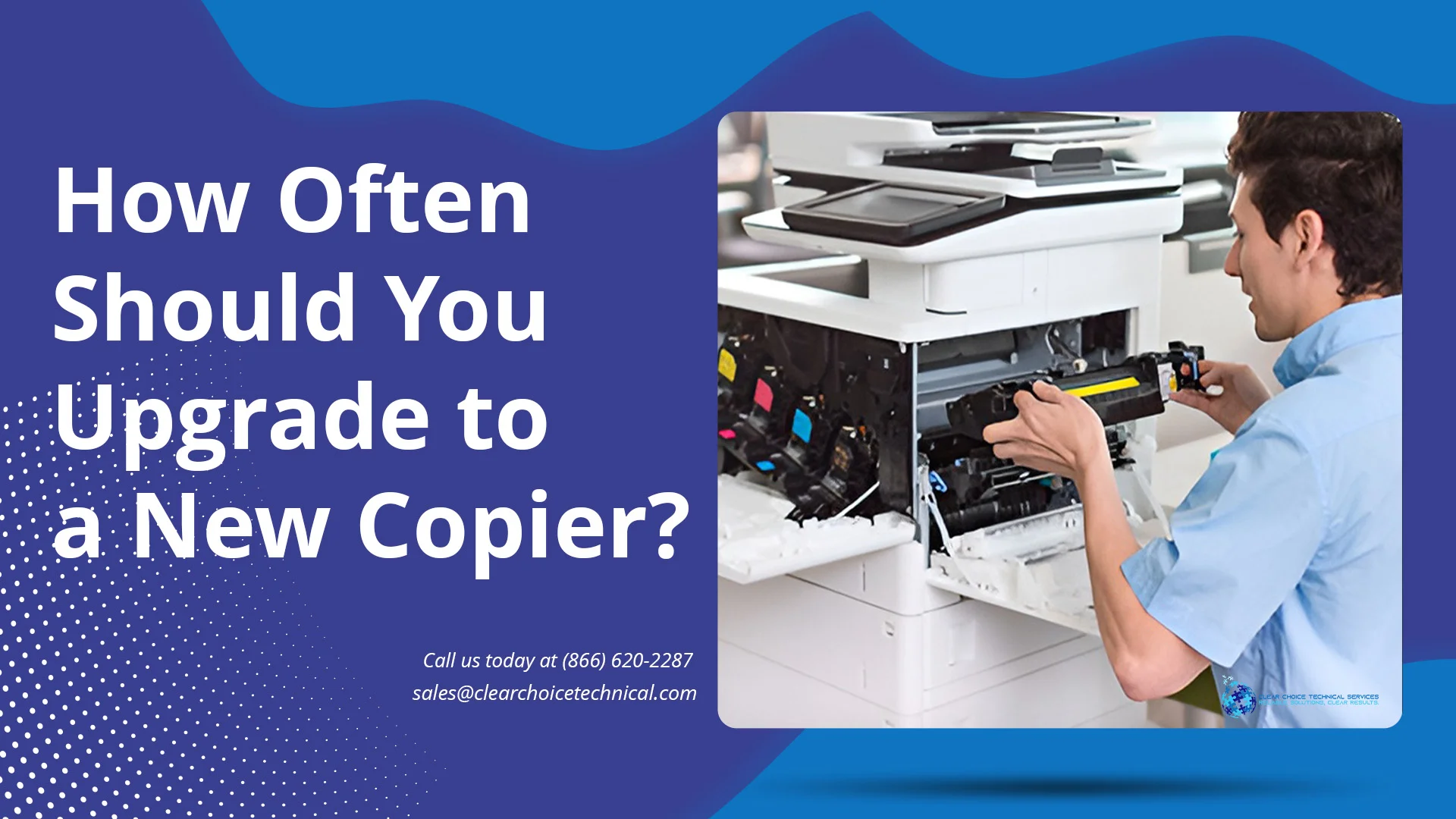
Benefits of a Copier Productivity Upgrade
Upgrading your copier is not just about replacing old equipment. It also creates opportunities to improve workflows and reduce hidden business costs, especially when businesses start asking themselves “when is it time to replace a copier” before ongoing repairs and downtime begin affecting productivity.
Improved Security
Modern copiers include advanced security features such as:
- User authentication
- Data encryption
- Secure print release
- Audit tracking
These protections are increasingly important for businesses handling sensitive information, especially when evaluating on “how long does a leased copier last” before newer security standards and compliance requirements make an upgrade necessary.
Upgrade Your Copier With Clear Choice Technical Services
Following a structured copier upgrade schedule in Denver helps businesses reduce downtime, improve efficiency, and prepare for future growth. Businesses must evaluate copier performance at two specific times which include lease renewal and technology refresh periods.
Clear Choice Technical Services helps businesses upgrade to reliable, modern office equipment designed for long-term productivity. You can contact us by calling (303) 416-7100 to discuss your upcoming copier upgrade needs.


