

Your office copier can do far more than print. Yet most small business teams use only a fraction of its features. If you’re paying for copier leasing, every unused tool is money left on the table.
Here are five worth switching on today.
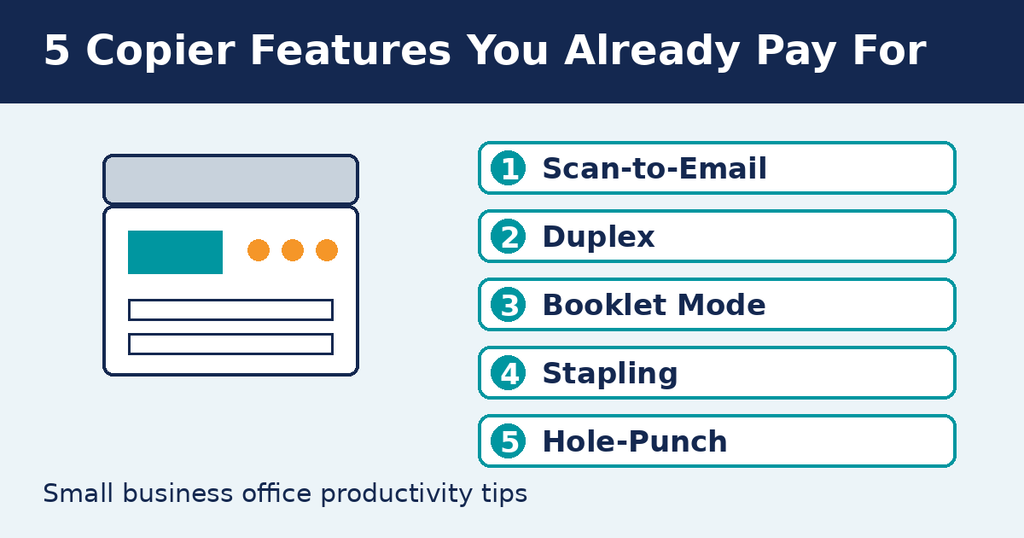
1. Scan-to-Email
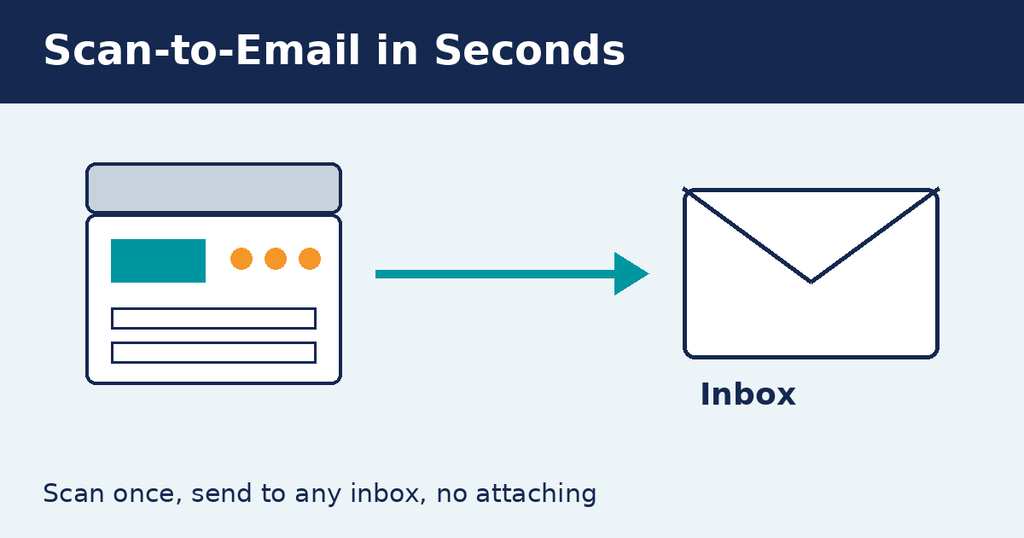
Skip the scan, save, attach routine. Scan-to-email sends documents straight to any inbox in seconds.
Office productivity tip: Save your team’s email addresses as one-touch shortcuts on the control panel.
2. Duplex Printing
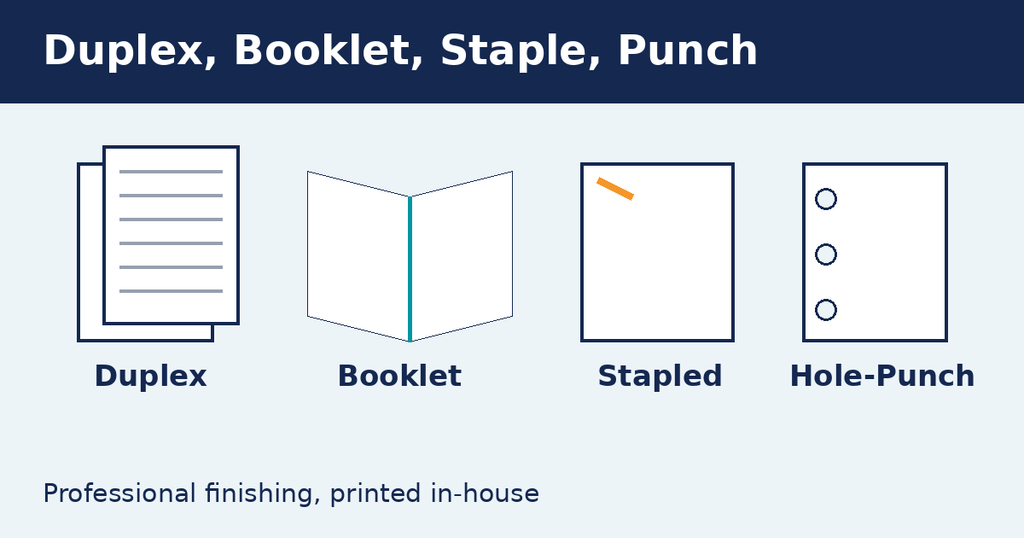
Printing on both sides can cut paper use by up to half.
Office productivity tip: Set duplex as the default in every computer’s print driver so nobody has to remember.
3. Booklet Mode
Booklet mode orders and folds pages into a ready-to-read booklet. It’s perfect for proposals, training manuals and event programs.
Office productivity tip: Stop paying a print shop for short runs. Print them in-house instead.
4. Stapling
A stapling finisher binds each set as it prints, so no more hunting for the desk stapler.
Office productivity tip: Pick “staple” in the print dialog for any multi-page document and walk away.
5. Hole-Punch
Print straight to binder-ready pages with no manual punching.
Office productivity tip: Pair hole-punch with duplex for employee handbooks and client files.
Get More From Every Page
These features usually come standard on a modern copier machine for lease. A managed print provider can set up smart defaults, train your staff and track usage, so you only pay for what you need. That’s office productivity without the extra cost.
Not sure what your machine can do? Ask your provider for a quick feature walkthrough this week.
Share This
Your copier already does this. You just haven’t switched it on.
5 features small businesses pay for but never use.
#OfficeProductivity #SmallBusiness #ManagedPrint