

Introduction to Business Copier Repair & Service
When a printer or copier goes down in a busy office, the impact is immediate. Invoices sit in a queue, contracts can’t be signed, patient intake forms stop printing, and staff stand idle waiting for a fix. For small and mid-sized businesses in the U.S., this kind of downtime is more than an inconvenience – it translates directly into missed deadlines, delayed revenue, and a lot of wasted productivity. Printers often experience common issues like paper jams and connectivity problems, and connecting printers to the network can lead to issues like frequent dropouts or IP conflicts that bring operations to a halt without warning.
Clear Choice Technical Services is a nationwide B2B provider specializing in copier leasing, printer repair, short-term copier rental, managed print services, and remote IT support. We work with businesses across the country to keep their printing infrastructure running, whether they operate a handful of desktop laser printers or rely on advanced multifunction devices like the Xerox AltaLink C8230 copier machine for high-volume color printing, scanning, and finishing.
Our repair services cover the full spectrum of equipment and issues that offices face daily. Here is a summary of the main printer repair needs we address:
- Paper jams – recurring or intermittent feed failures across trays and bypass feeders
- Image quality defects – ghosting, streaking, faded output, and toner smudging on laser printers
- Network printing failures – devices stuck “offline,” IP conflicts, dropped connections, and slow spooling
- Error codes – persistent messages such as “replace drum,” “fuser error,” or authentication failures on multifunction copiers
- Finishing malfunctions – stapling, hole-punch, folding, and booklet finisher issues on production-class machines
On-Site Printer/Copier Repair Services for Offices
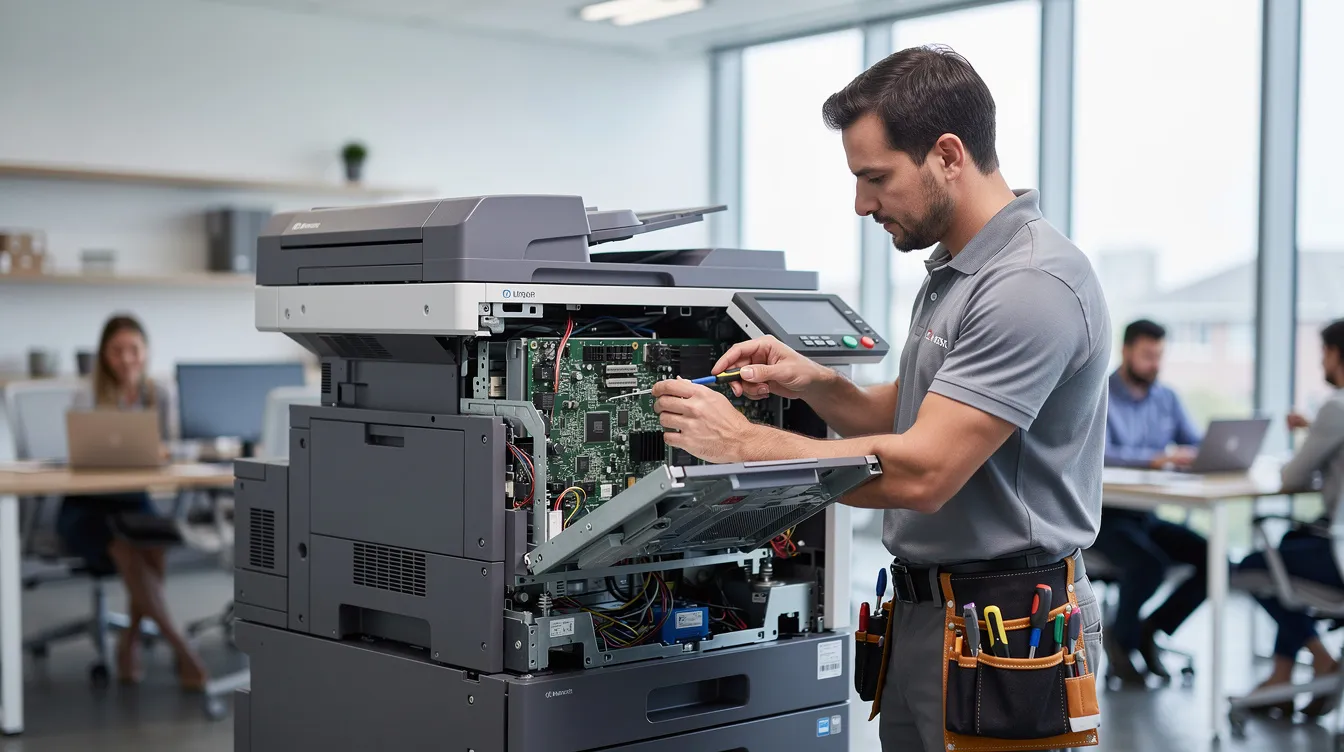
We dispatch certified technicians directly to your business location across major U.S. metro areas, with same-day or next-business-day response whenever possible. Our on-site repair model is built for speed – because every hour a machine sits idle is an hour your team can’t do its work. On-site printer repair services have been a part of our operations since our earliest days, and same-day printer repair diagnostics are available in areas like Tulare, CA and other service regions nationwide.
- Device types we repair: desktop laser printers, business inkjets, multifunction printers (MFPs), high-volume copiers, label and barcode printers, thermal printers, dot matrix printers, and wide-format printers used by architects and engineers.
- Problems we routinely handle: paper jams that won’t clear, “replace toner / drum” errors that persist after cartridge swap, faded or streaky print on laser printers, network printing failures where the device shows as offline, and finishing issues like stapling or hole-punch malfunctions on multifunction copiers.
- Brand coverage: our technicians are trained on HP, Lexmark, Brother, Canon, Xerox (including the Xerox AltaLink C8230), Ricoh, Konica Minolta, Kyocera, and Sharp. Printer repair services are available for major brands like HP and Lexmark, and technicians can repair thermal, laser, and dot-matrix printers. We are not a manufacturer – we are an independent service provider with brand-agnostic expertise, which means we choose the best fix for your machine rather than push a single product line.
- Scheduling process: call us or submit an online request form. Our help desk performs remote triage – collecting your model number, error codes, and symptoms – then dispatches a technician with an ETA window. In dense metro areas, expect a 4-hour window; in other regions, same-day or next-business-day is the standard.
- Business settings we serve: accounting firms, law offices, medical clinics, logistics and warehousing operations, construction site offices, and educational institutions. For example, a 25-user insurance agency in Dallas that experiences a finisher jam on its primary copier at 9 a.m. can have a technician on site before lunch, minimizing disruption to its claims processing workflow.
Certified technicians are trained to repair various printer brands, and each member of our field team carries common parts and diagnostic tools to resolve the majority of issues in a single visit.

Common Printer Repair Needs & When to Replace vs. Repair
Not every printer issue justifies buying a new device. In many cases, professional diagnostics will bring to light that a targeted repair is far more cost-effective than a full replacement. The key is knowing where the line falls – and that takes experience and the right knowledge of the equipment involved.
Here are the most frequent printer repair needs we see across our service area:
- Recurring paper jams from the same tray – chronic paper jams typically indicate a mechanical issue like worn-out rollers or debris in the paper path, not a problem with the paper itself.
- Ghosting and toner streaks on laser printers – degraded print quality can be caused by clogged printheads or failing toner systems, worn drums, or contaminated developer units.
- Noisy feed rollers or grinding sounds – usually a sign of bearing wear or gear degradation that worsens over time if left unaddressed.
- Fuser errors – overheating or uneven fusing leads to smudging, paper curl, and persistent error codes. Error codes that persist after a reboot usually indicate a hardware fault in the printer.
- Slow spooling for network print jobs – often caused by driver conflicts, print server bottlenecks, or network latency rather than the printer hardware itself.
- “Offline” status when the device is powered on – could stem from firmware bugs, port misconfigurations, or network authentication failures.
- Multifunction copier issues on devices like the Xerox AltaLink C8230 – scan-to-email failures due to SMTP authentication changes, booklet finisher jams involving belt misalignment, and badge reader or authentication issues that prevent users from releasing secure print jobs. Understanding these problems matters because they affect every person in the office, not just one workstation.
- Environmental contributors to failure – dusty warehouses and shop floors introduce particulate into sensors and feed mechanisms. High humidity causes paper curl and toner adhesion problems. Cheap non-OEM toner can clog print heads and accelerate drum wear. Power fluctuations without a UPS or surge protector can damage logic boards and power supplies. If you want to understand why your copier breaks down, these factors are often the dark truth behind repeated failures.
Basic troubleshooting for printers includes power cycling and checking for jams, but persistent mechanical failures in printers often require professional servicing. Professional servicing is especially advisable when hardware components suffer physical damage or electrical failures that a simple restart won’t touch.
When to repair vs. replace – decision points:
- If the estimated repair cost exceeds roughly 40–50% of the price of a similar new device, replacement is likely the smarter investment.
- Page count thresholds matter: laser printers that have already printed over 250,000 pages are approaching end-of-life for key mechanical components.
- Age of the printer is a strong indicator. Devices older than 7–8 years often have discontinued parts, unsupported firmware, and poor energy efficiency.
- Parts availability: if the manufacturer no longer produces replacement components, repair becomes impractical regardless of cost.
- High-end office inkjet or commercial laser printers are generally worth repairing, given their higher purchase price and longer expected service life. For home inkjet printers, repair costs often exceed replacement costs, making the decision straightforward.
To put a date on it: a 2018 HP LaserJet – say, purchased in Dec of that year – is typically still well within its supported lifecycle and worth repairing. A 2010 model of the same type, however, is usually retired due to parts scarcity, firmware that’s no longer updated, and significantly higher energy consumption. The risk of sinking money into a machine that will fail again in months simply isn’t worth it.
Preventive Maintenance, Service Contracts & Managed Print Services
The most effective way to reduce emergency printer repair calls is to stop problems before they start. Scheduled copier maintenance and managed print services shift your business from a reactive, break-fix posture to proactive upkeep – and in our experience, this is the single biggest factor in stabilizing monthly costs for SMBs. Regular maintenance extends the life of office equipment significantly, keeping machines in place and productive for years longer than neglected devices.
What a typical maintenance contract with Clear Choice Technical Services includes:
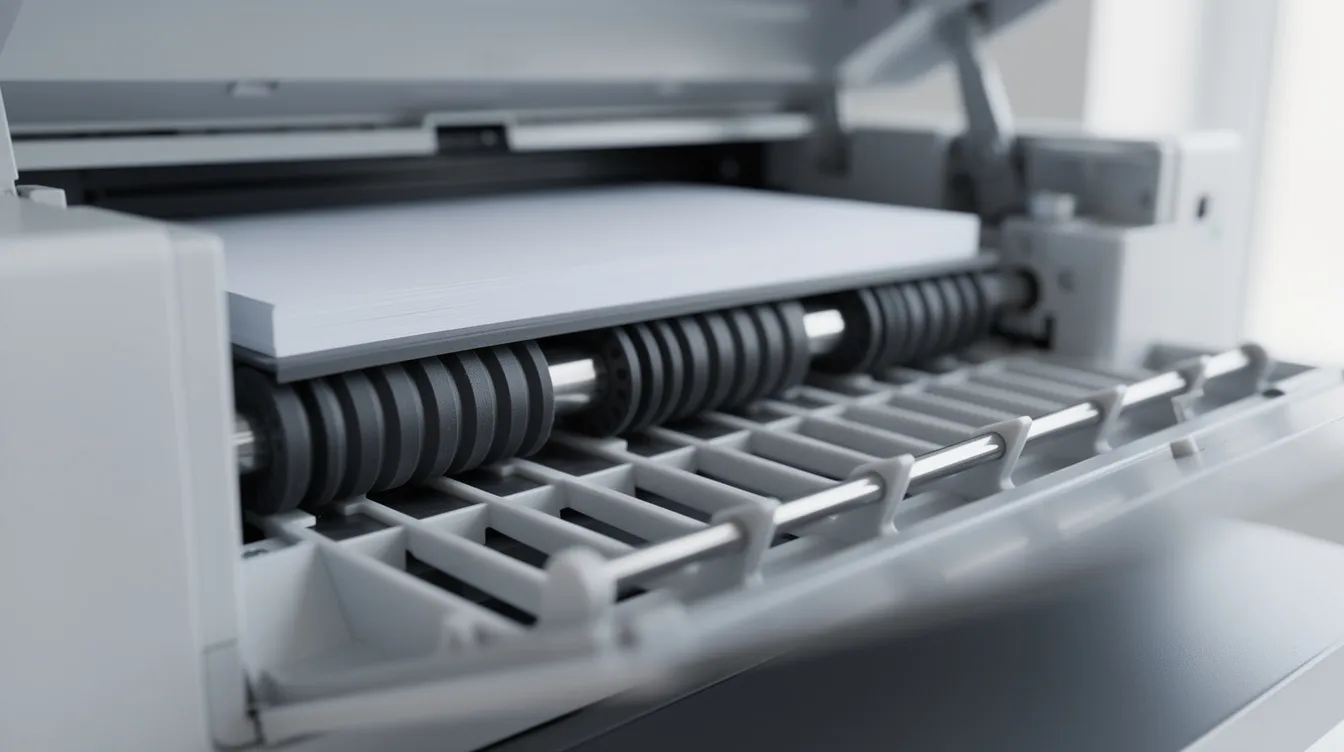
- Periodic cleaning of internals – paper path, feed rollers, sensors, and imaging components. Common maintenance includes replacing empty cartridges and running cleaning cycles as part of every scheduled visit.
- Replacement of wear parts on a preventive schedule: rollers, separation pads, transfer belts, fusers, imaging drums, and full maintenance kits.
- Firmware updates to patch security vulnerabilities and improve device stability.
- Priority response times – guaranteed next-business-day or same-day in metro areas for contract customers.
Maintenance contracts cover regular servicing and repairs for printers, and a local printer maintenance contract can save time and costs by eliminating the search for emergency help every time something goes wrong. Custom maintenance contracts can cover all types of printers in your fleet under one agreement, and maintenance contracts reduce unexpected breakdowns and repair costs – which is a topic every CFO should care about. Learn more about why your business needs one.
Managed Print Services – going a step further:
- Remote device monitoring with proactive alerts when errors appear or predictive failure indicators (toner low, drum nearing end-of-life) trigger before your team even notices a problem.
- Automated toner and supply shipments when levels drop – you receive supplies before you run out, not after.
- Usage reporting by department or cost center so you can see who prints what, how many pages, and where costs concentrate.
- Proactive technician dispatch when error codes appear repeatedly, rather than waiting for a full breakdown.
Managed Print Services reduce printing costs by up to 30%, according to industry research. Businesses can improve equipment reliability with Managed Print Services, and Managed Print Services streamline document workflows for organizations by removing the guesswork from supply ordering, maintenance scheduling, and fleet management.
Cost predictability – contract vs. ad-hoc:
A flat monthly managed print agreement lets you budget with far fewer surprises. Under a break-fix arrangement, a single fuser replacement can cost $250–$700 on top of the service call fee, hitting your budget without warning. Under a contract, that same repair is covered. Coverage should include both copiers and printers – including multifunction devices like the Xerox AltaLink C8230 that handle color printing, scanning, and finishing in a single machine.
Remote IT support in the context of MPS: our team handles print driver deployment, network queue configuration on Windows Server and Microsoft 365 environments, and troubleshooting for user authentication, secure print release, and print accounting software. These are the software and configuration challenges that often leave businesses in the dark when their internal IT resources are stretched thin.
Benefits from the customer’s perspective:
- Less downtime – preventive copier maintenance catches problems early
- Fewer surprise bills – costs are predictable month to month
- Better visibility – you know exactly how many pages each department prints and where your supply dollars go
Leasing, Rental, and Upgrade Options When Repair Isn’t Enough
For organizations running heavily used or aging printer and copier fleets, there comes a point where repeated repairs no longer provide a viable solution. When that happens, Clear Choice Technical Services typically recommends transitioning to copier and printer leasing or a short-term copier rental – approaches that keep your office productive without the burden of large capital expenditures.
- Office equipment leasing: leasing copiers reduces upfront equipment costs for businesses by converting a major capital purchase into a fixed monthly payment. Leasing includes maintenance and support services for reliability, so you don’t have to budget separately for parts and labor. Flexible leasing options allow upgrades mid-term if needed – if your volume doubles or you need new security features partway through a 36–60 month term, you can step up to a more capable machine without penalty. Leasing helps streamline document workflows in offices by ensuring you always have current-generation equipment with the latest drivers and cloud integrations. Discover more about how much it costs to lease a copier.
- Short-term copier rental: short-term rentals are available for temporary projects – tax season surges, school registration periods, construction site trailers, event check-in stations, or temporary project teams that need printing for weeks or months rather than years. Our short-term rental service includes delivery, installation, setup, a brief training session, and pickup when the job is done. You press a few buttons on your phone or fill out a form, and we handle the rest.
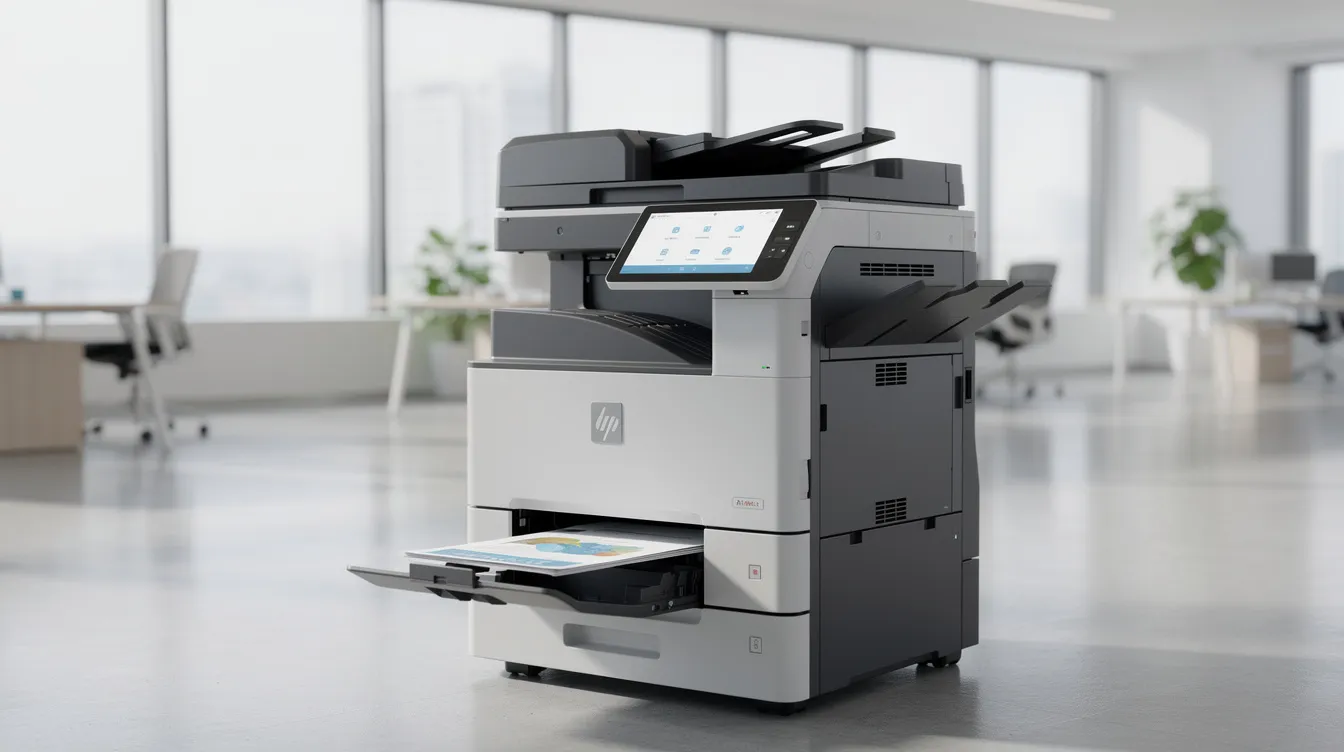
- Modern multifunction devices: the Xerox AltaLink C8230 is a prime example of a color MFP that can replace multiple older printers and scanners in one footprint. It supports secure print, mobile print, cloud scanning, and badge authentication – features that consolidate hardware, reduce failure points, and lower supply and maintenance inventory. For many offices, replacing three aging desktop laser printers and a standalone scanner with a single leased MFP provides better reliability and significantly lower total cost of ownership.
- Total cost of ownership comparison: when you add up device cost, power consumption, parts, supplies, labor, downtime costs, and disposal for an aging fleet of desktop printers, the numbers often exceed what a few leased MFPs under a managed print services plan would cost. The column headers in any honest TCO comparison – acquisition, consumables, maintenance, energy, downtime – almost always favor consolidation for businesses printing more than a few thousand pages per month.
- Data security when upgrading: privacy should never be an afterthought. Copiers and MFPs often contain internal hard drives that store scanned and printed content. When retiring old equipment, HDD wiping and secure disposal are essential. New devices should be configured with secure protocols – HTTPS, user authentication, encrypted transmissions – and firmware should be updated immediately upon deployment to close known vulnerabilities. In 2024, 67% of organizations experienced data losses from unsecured printing, so this isn’t a theoretical concern.
How to Get Started with Clear Choice Technical Services
Whether you need an urgent printer repair, want to discuss a maintenance contract, or are ready to explore leasing and rental options for your fleet, the first step is simple: reach out. We hear from businesses every day that wish they had called sooner – before the third paper jam of the week or the fuser failure that shut down printing for an entire floor.
- Our 3-step process: (1) Contact us by phone or online form. (2) Our help desk conducts a remote assessment – we gather your brand, model, error messages, and current maintenance status to understand your printer repair needs before anyone visits your site. (3) We schedule an on-site technician visit or deliver a leasing and rental proposal, typically within 1–2 business days.
- Geographic flexibility: Clear Choice Technical Services is not limited to a single city. While on-site printer repair services are offered in Puyallup since 1987 and we provide diagnostics in places like Tulare, CA, we serve small and mid-sized businesses across multiple U.S. regions through a network of local field technicians who know their area and can respond fast.
- Information to have ready before you call: your printer or copier brand and model (for example, HP LaserJet, Lexmark, Brother, Canon, or Xerox AltaLink C8230), any error messages displayed, approximate age of the device, current monthly page count, and whether you have an existing service contract or lease in place. Having this information on hand helps us provide an accurate quote and dispatch the right technician with the right parts.
- A trusted ongoing partner: we’re not just a break-fix vendor you call once and never hear from again. Clear Choice Technical Services supports businesses as they grow – from a single printer repair to a full managed print services engagement, copier leasing, remote IT support, and fleet optimization. Choose a partner that can scale with you rather than one you’ll outgrow. You can find answers to common questions on our FAQ page.
- Your next step: schedule an on-site assessment this week to learn exactly where your fleet stands. Request a same-day printer repair slot where availability permits, or book a free consultation to review your entire print operation. Waiting costs more than acting – IT downtime now costs organizations a median of $15,000 per minute, and every day your printers run without a maintenance plan is a day you’re leaving productivity and budget savings on the table. Contact Clear Choice Technical Services today and take control of your print environment before the next breakdown forces your hand.